The real cost of bad API documentation

Cassiano Moraes
CEO
The real cost of bad API documentation
When a developer signs up for your API, the first thing they see is your documentation. Fifteen minutes later, they've found two contradictory code examples, a getting-started guide that references endpoints from three versions ago, and they still haven't made a single API call.
That developer leaves with no angry email, no support ticket, no cancellation to track. They just close the tab and try your competitor's API instead. You'll never know they existed.
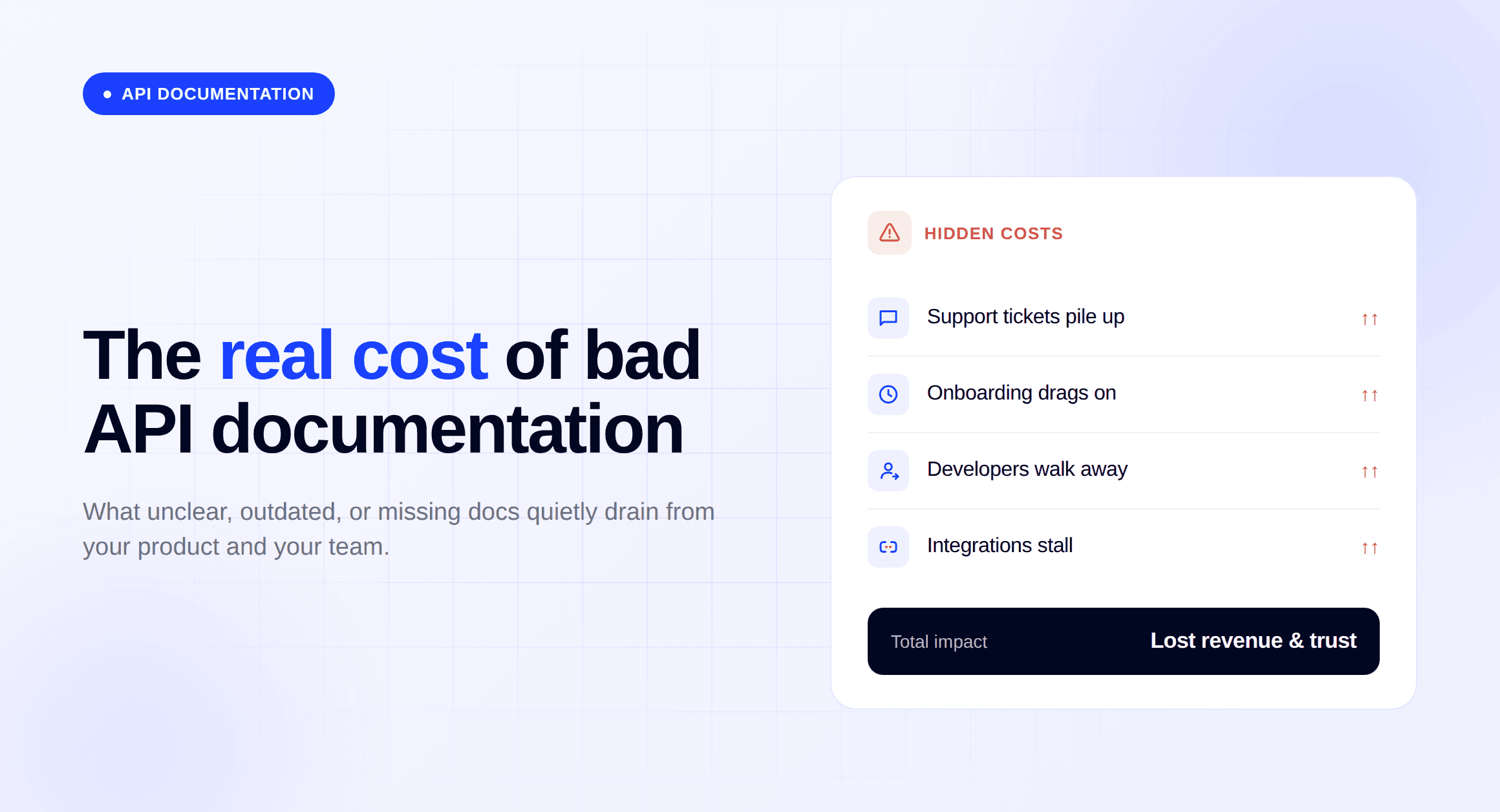
Now multiply that across every developer who evaluates your product this quarter. Bad API documentation is the most expensive problem most companies aren't measuring, because the costs don't show up in any dashboard. They show up in support tickets that shouldn't exist, integrations that take weeks instead of days, and adoption numbers that plateau for reasons nobody can explain.
This post puts real numbers behind those costs, drawn from API documentation projects we've run for fintech companies like PagBank, Tonder, and Yuno. We'll break down what "bad" actually looks like, what it costs in support load, adoption speed, and revenue, and how to audit yours before the damage compounds.
What bad API documentation actually looks like
Bad API documentation is more than poorly written text. It's missing endpoints, outdated examples, and a structure that forces developers to guess how your product works instead of building with it. Here are the patterns we see most often.
Incomplete or missing endpoints
The most common failure: half the API is documented, and the other half isn't. Developers find the endpoint they need in your SDK source code or by poking around in Postman, not in your docs. Some teams document v1 thoroughly, ship v2, and never go back.
The problem compounds. Every undocumented endpoint becomes tribal knowledge trapped inside your engineering team. When that engineer leaves (or goes on vacation), the knowledge leaves with them.
Outdated code examples
Code examples are the first thing developers copy-paste. When those examples reference deprecated parameters or authentication flows from two versions ago, developers get errors they can't explain. They don't know if the bug is in their code or yours, so they file a support ticket. Or worse, they assume your API is unreliable.
We've audited documentation portals where over 40% of code examples failed on the current API version. The docs looked complete. They just didn't work.
No clear getting-started path
Reference documentation without a getting-started guide is like a dictionary without an alphabet. Every endpoint is there, technically, but a new developer has no idea where to begin.
The getting-started path should take a developer from zero to a successful API call in under 10 minutes. If yours requires reading five pages of authentication theory before making a single request, most developers will look for an alternative that respects their time.
Contradictory information across pages
Your changelog says the user_id field is required. Your reference page says it's optional. Your quickstart example doesn't include it at all. Three sources, three answers.
This happens when documentation lives in multiple systems or gets updated by different teams without a single owner. Developers stop trusting the docs entirely and start relying on trial and error, which means slower integration and more support tickets.
What it costs you: support load
Every gap in your API documentation becomes a support ticket. Not eventually. Immediately. And those tickets don't go to your support team. They go to your engineers, because only engineers can answer "why does this endpoint return a 403 when I pass the token exactly like the docs say?"
The doc-to-ticket pipeline
The pattern is predictable. A developer hits a gap in your docs, spends 10 minutes searching for the answer, gives up, and files a ticket. Your engineer spends 15 minutes answering it. Then another developer hits the same gap next week, and the cycle repeats.
This isn't a support problem. It's a documentation problem wearing a support costume. The ticket exists because the doc page doesn't. Tonder, a payment orchestration company, was trapped in this cycle. After a full documentation overhaul, their support costs dropped by 80%.
The multiplier effect
A single missing doc page doesn't generate one ticket. It generates one ticket per integrator, forever, until someone either writes the doc or the engineer's answer gets copy-pasted into a shared Google Doc that three people know about.
If 20 developers integrate with your API each month and each one hits the same undocumented edge case, that's 20 identical tickets. At an average cost of $25-50 per engineering-assisted ticket, one missing page costs you $500-1,000 per month. And most APIs have more than one gap.
Documentation deflection, the practice of answering questions before they become tickets, is the highest-ROI investment most API teams aren't making.
What it costs you: adoption speed and developer onboarding
Time to first API call is the single most important metric in your developer funnel. It measures how long it takes a new developer to go from "I just signed up" to "I got a successful response." If that number is high, your documentation is the bottleneck.
Time to first API call is your real conversion metric
Most API companies track signups. Fewer track how many of those signups actually make a successful API call. Even fewer track how long it takes.
Here's what we've seen: if a developer can't reach "hello world" within 10 minutes, the odds of them completing an integration drop significantly. They're not stuck because your API is hard. They're stuck because your docs don't show them where to start.
Integration time as a competitive disadvantage
Your competitor's docs walk a developer through a full integration in a day. Yours takes two weeks. That's not a documentation problem in isolation. It's a sales problem and an engineering bandwidth problem disguised as a technical one.
PagBank saw their average integration time drop from 20 days to 7 days after restructuring their documentation portal. Tonder went from 2 months to 10 days. In both cases, the API didn't change. The code was the same. Only the documentation changed.
When integration takes weeks, your engineering team spends those weeks answering questions instead of building features. When it takes days, they get that time back.
What it costs you: revenue and CSAT
Bad API documentation slows developers down. But the damage goes further than that. It tanks your customer satisfaction scores and quietly kills revenue you'll never know you lost.
The CSAT connection
Developers who struggle with your docs don't compartmentalize the frustration. They rate the entire product lower. In their mind, confusing documentation means a confusing product, even if the API itself works fine.
PagBank had a CSAT score of 29% before their documentation overhaul. After restructuring their portal with clear getting-started flows, consistent code examples, and proper endpoint coverage, that number jumped to 89%. Same API. Same features. Same pricing. The only variable was the documentation.
Revenue you never see
The most expensive impact of bad documentation is the revenue that never materializes. A developer evaluates your API during a proof of concept, gets frustrated with the docs, and recommends a competitor in their internal report. That deal dies before your sales team even knows it existed.
Tonder saw 2x product adoption after fixing their documentation. Yuno earned over 50% increase in adoption and won the Best Payment API Award, which directly attracted new enterprise customers. These aren't documentation metrics. These are business metrics that moved because documentation moved.
The pattern is consistent across every project we've run: when developers can self-serve through documentation, they integrate faster, buy more, and stay longer. When they can't, they leave, and they leave quietly.
How much does bad API documentation actually cost?
The short answer: more than you think, because the costs are spread across teams that don't talk to each other. Here's how to do the math for your own company.
The support math
Take the number of support tickets your team handles each month that are really documentation questions. Be honest. "How do I authenticate?" is a doc failure. "Why does this endpoint return X when the docs say Y?" is a doc failure. "Where's the webhook documentation?" is a doc failure.
Multiply that count by the average time your engineer spends on each one (usually 15-30 minutes), then multiply by their hourly cost. For most API companies we work with, this number lands between $3,000 and $15,000 per month before anyone realizes documentation is the root cause.
The engineering math
Support tickets are the visible cost. The invisible cost is the engineering time spent answering integration questions through Slack DMs, sales call ride-alongs, and "quick sync" meetings that exist because the docs don't cover the edge case a customer just hit.
IDC estimates that knowledge workers spend 2.5 hours per day searching for information. For an engineering team of 10, that's 25 hours of daily productivity lost to information retrieval. Not all of that is documentation, but when your own engineers can't find the answer in your own docs, a meaningful chunk of it is.
The opportunity math
This one is the hardest to measure and the most expensive. How many developers evaluated your API, hit the docs, and left without converting? You can estimate this by looking at the gap between API key signups and first successful API calls. If 1,000 developers sign up per quarter and only 200 make a successful call, those 800 aren't all tire-kickers. Many of them gave up because your docs didn't get them to a working integration fast enough.
At even modest deal sizes, recovering 10-20% of that drop-off by fixing documentation represents revenue that dwarfs what you'd spend on a documentation project.
Why developers hate bad documentation (and what they do about it)
Developer frustration with documentation is a leading indicator of churn. And developers are vocal about it in ways that affect your reputation long before they affect your revenue.
Browse any Reddit thread in r/programming or r/webdev about API documentation, and the pattern is clear. Developers don't complain politely. They warn each other. "Don't bother with X's API, the docs are useless" is the kind of comment that gets upvoted because everyone has lived it.
The Stack Overflow Developer Survey regularly surfaces documentation as one of the biggest pain points when developers work with new tools. Developers rank "good documentation" above community support, above tutorials, above Stack Overflow answers. They want to find the answer in the docs first. When they can't, they don't blame themselves. They blame the product.
What do they actually do when docs fail them?
They search Stack Overflow and GitHub issues for workarounds (your unofficial documentation, maintained by strangers)
They reverse-engineer your SDK source code to figure out what parameters actually do
They complain in public, on Twitter, Reddit, Hacker News, and in their company's Slack
They recommend a competitor next time someone asks "which payment API should we use?"
None of this shows up in your analytics. Your docs might have low traffic not because nobody needs them, but because developers have already learned they're useless and stopped visiting.
The irony is that developers are the most documentation-friendly audience you could ask for. They want to read your docs. They prefer self-service over talking to a sales rep. If your documentation meets them halfway, they'll integrate, adopt, and advocate. If it doesn't, they'll find someone whose docs do.
The flip side: what good API docs unlock
Good API documentation is a product in itself. One that drives adoption, reduces costs, and generates revenue without requiring a single sales call.
The numbers from our client work tell a consistent story:
Client | What changed | Result |
|---|---|---|
Tonder | Full documentation overhaul on Mintlify | 2x product adoption, 80% support cost reduction, integration time from 2 months to 10 days |
PagBank | Portal restructure with getting-started flows | CSAT from 29% to 89%, integration from 20 to 7 days, 50% fewer tickets |
Yuno | Migration from ReadMe to Mintlify | 50%+ adoption increase, 15-20 min to first API call, Best Payment API Award |
Nayax | Unified portal across 10+ products on Mintlify | 2x more integrations every year. |
Notice what's missing from that table: none of these companies changed their API. The product stayed the same. The pricing stayed the same. The only thing that changed was how developers experienced the product through documentation.
The ROI math on documentation is lopsided. A documentation project takes weeks. The support cost reduction, adoption lift, and revenue impact compound for years. Most companies just never do the math because they've accepted bad docs as a fixed cost of doing business.
How to audit your API documentation
You don't need a six-month project to figure out whether your docs are costing you customers. Three checks will tell you most of what you need to know.
The 10-minute test
Find a developer who has never seen your API. Give them access to your documentation portal and a clear task: "make a successful API call." Set a timer for 10 minutes. Then watch.
Don't help. Don't explain. Don't say "oh, that page is outdated, try this one instead." Just observe where they get stuck, where they hesitate, and where they give up.
If they can't make a successful call in 10 minutes, every developer who evaluates your API is having the same experience. The difference is that they're doing it alone, without anyone watching, and they close the tab instead of asking for help.
The coverage check
Pull up your API reference and count the endpoints. Then count how many have:
A description of what the endpoint does (not just the path)
At least one working code example
Documented error responses
Clear parameter descriptions with types and required/optional labels
The percentage you get is your documentation coverage score. We've seen companies launch with coverage below 40% and wonder why developers aren't adopting. The answer was in the math the whole time.
The freshness check
Compare your last API release date against the last update date on each documentation page. If your API shipped a new version three months ago and your docs still describe the previous version, you have a freshness problem.
This is where documentation debt accumulates fastest. Every release that ships without a corresponding doc update adds another layer of confusion for developers.
The audit itself takes a day. What you do with the findings determines whether your documentation stays a cost center or becomes a growth channel.
Conclusion
Bad API documentation costs you in four places at once: support load, adoption speed, customer satisfaction, and revenue you never see. The worst part is that most of these costs are invisible. Developers who leave during evaluation don't file complaints. They just pick a different API.
Here's what the numbers actually show:
Support: Tonder and Nayax both cut support costs by 80% after documentation overhauls. PagBank cut ticket volume by 50%.
Adoption: PagBank reduced integration time from 20 days to 7. Tonder went from 2 months to 10 days. Yuno got developers to a first API call in 15-20 minutes and saw adoption jump over 50%.
Revenue: PagBank's CSAT went from 29% to 89%. Tonder doubled product adoption. None of them changed their API. They changed their docs.
The gap between these results and where most API companies sit today isn't talent or budget. It's attention. Documentation gets treated as a one-time project instead of a living product, and the cost of that decision compounds every month.
Start with the 10-minute test. Hand your docs to a developer who's never seen your API and see what happens. Then run the coverage and freshness checks. If you want to go a step further, run your existing documentation through our AI score checker to see whether your docs read like they were written by someone who actually understands your product.
If the audit confirms what you already suspect, take a look at what changed for PagBank, Tonder, and Yuno when they fixed theirs.

