Mintlify pricing 2026: The free plan and how to use it

Heitor Tessaro
Head of Documentation
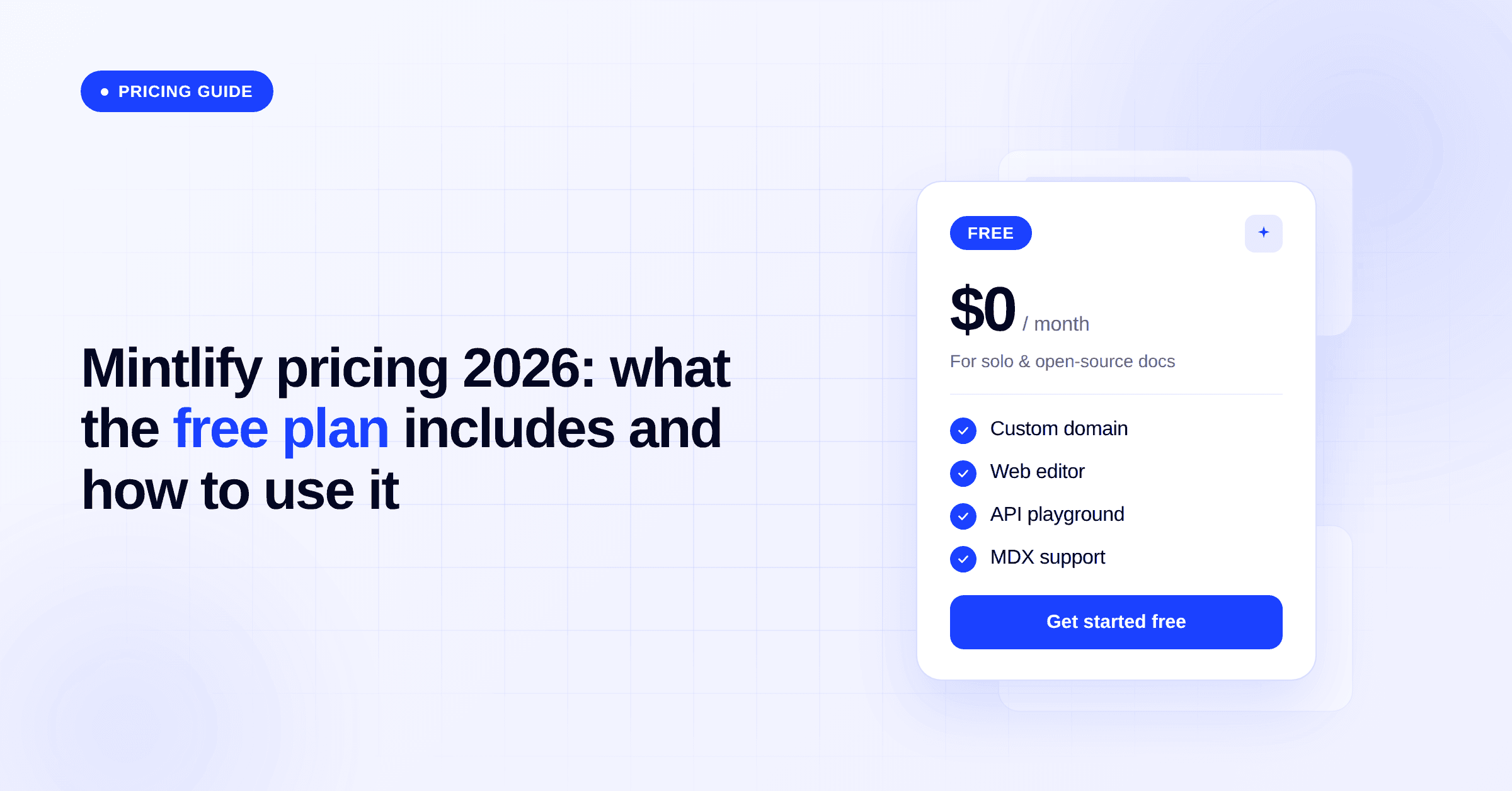
Mintlify replaced its paid Pro plan with a free Starter plan that includes the full AI layer. If you were paying $250-300/month for Pro, you now get the same core features, plus the AI assistant, writing agent, and workflows, for free. You only pay for the AI credits you actually use.
Most teams don't yet know what they have access to, or how to use it. This guide covers what changed, what the new free plan includes, and the practical steps to put it to work.
What changed with Mintlify pricing in 2026
Mintlify previously charged $250-300/month for its Pro plan, which unlocked AI features, team seats, and integrations. The free Hobby plan had no AI access at all.
As of June 2026, Mintlify moved to a two-tier model:
Starter (free): full platform access including the AI assistant, writing agent, workflows, and MCP server. AI usage is credit-based, with 5,000 credits included to start.
Enterprise (custom pricing): everything in Starter, plus role-based permissions, SSO, performance SLAs, advanced analytics, enterprise security, and dedicated support.
The Pro plan no longer exists. Teams that were on it are now on Starter by default.
What the free Mintlify Starter plan includes
The Starter plan is not a stripped-down trial. It includes:
Web editor and Git sync
Custom domain
API playground
Search and LLM optimizations
Authentication (Mintlify Auth)
AI assistant that answers user questions directly inside your docs
Writing agent that drafts and updates content autonomously
Workflows for automated doc maintenance triggered by code changes, user signals, or a schedule
MCP server that makes your docs natively accessible to AI tools and agents
SEO and GEO optimizations
5,000 free AI credits per month
The main things not included are SSO, role-based permissions, advanced analytics, enterprise SLAs, and dedicated support. Those sit behind the Enterprise tier.
What happens if you were on the Mintlify Pro plan
You freed up $250-300/month. That budget did not disappear. It just has no destination yet.
More importantly: you now have access to tools most of your team has never used. The AI assistant, writing agent, and workflows were available on Pro, but most teams never went beyond the basics. The documentation existed; the features sat idle.
The question is not whether to use these features. They are already on. The question is how to configure them properly so they deliver real value rather than consuming credits with nothing to show for it.
How to set up the Mintlify AI assistant
The AI assistant is the right starting point. It surfaces immediately in your docs, answers user questions, and starts generating data from day one.
But turning it on is not the same as using it.
The teams that get real value from the assistant treat it as a feedback loop, not a feature. Every month, set aside time to review:
What are users asking? Questions reveal what your docs fail to explain clearly.
Are the answers accurate? The assistant draws from your content. Gaps in the docs produce gaps in the answers.
What questions keep repeating? High-frequency questions are your highest-priority improvement targets.
Are there questions the assistant cannot answer? These point directly to missing content.
This monthly review is the foundation for everything else. Without it, you are running AI features blind. With it, you have a continuous signal telling you exactly where your documentation needs work.
How to configure Mintlify workflows
Mintlify's Workflows automate routine documentation tasks. The available defaults include:
Self-updating content automations
Update from code changes detects changes in your codebase and proposes doc updates
Draft changelog generates changelog entries from recent product updates on a schedule
Draft improvements from assistant conversations reviews AI assistant usage trends and opens targeted content updates
Draft improvements from user feedback reviews page feedback and surfaces improvement suggestions
Maintenance automations
Fix broken links finds and repairs broken internal and external links
Audit SEO metadata checks titles, meta descriptions, and canonical tags
Fix grammar and typos catches writing errors across your docs
Apply style guide enforces voice, tone, and formatting rules
Translate content keeps selected languages in sync with content changes
Custom automations
Define your own triggers, prompts, and actions to match your team's specific needs
These workflows sound straightforward. Before you enable a single one, there is a prerequisite that has nothing to do with configuration.
Someone on your team needs to own the documentation review process.
Each workflow can be configured in one of two update modes. It either proposes changes for a human to review before they go live, or it applies them automatically without a review step. Both modes are legitimate. Both carry the same risk if no one is actively owning the process.
In review mode, the workflow holds proposed changes until someone approves them. Without a designated reviewer, proposed updates pile up and go stale. A backlog of unattended AI suggestions is not a documentation operation. It is noise that teams learn to ignore.
In auto-apply mode, changes go live immediately without a human check. This is faster, but the AI does not know your business context, your terminology decisions, or the nuances of how your product works. Content that is technically plausible but factually wrong or misaligned with your goals creates friction for users, not clarity. In auto-apply mode, it ships before anyone notices.
This is not a criticism of the workflows. They produce genuinely useful output. The point is structural: automation generates changes, but it does not replace judgment. The value of any workflow depends entirely on someone being there to guide, review, or at minimum audit what it produces.
Before enabling any workflow, answer these questions:
Who specifically will review the proposed changes, and how often?
How often does the content this workflow depends on actually change?
Is there enough data volume to make the output meaningful? A workflow that analyzes assistant conversations needs consistent monthly usage to generate useful signal. Running it on a low-traffic site produces noise, not insight.
What does the output require technically: a PR review, a merge, additional editing?
What does a good result look like, and how will you know if a workflow is not delivering it?
If you cannot answer question one, do not enable the workflow yet.
The highest-value workflows for most teams starting out are Update from code changes (if you have an active, frequently updated codebase) and Draft improvements from assistant conversations (once you have consistent monthly assistant usage and a clear review process in place). Both produce output directly tied to signals that matter, but only when someone is there to act on them.
Mintlify credits: how pricing works and what to budget
The 5,000 free monthly credits feel generous until you see them in practice.
According to Mintlify's credit pricing docs, the average cost per feature is:
Feature | Average credits per interaction |
|---|---|
Assistant response | 23 |
Editor agent run | 115 |
Slack agent run | 110 |
At 23 credits per assistant response, 5,000 free credits support roughly 217 assistant interactions per month under average conditions. However, real-world usage can run much higher. Based on data from one of our clients: 98 assistant interactions consumed the full 5,000 credit monthly allocation, roughly 51 credits per interaction. Their docs were larger and queries more complex than the average case, which drove consumption up.
The gap between 23 and 51 credits per interaction is the range you should plan for. Simpler queries on smaller docs sites land closer to the official average. Complex queries on large, deeply structured documentation sites cost more.
Workflows add on top of that. Mintlify publishes the following average credit costs per automation run:
Automation | Average credits per run |
|---|---|
Update from code changes | 180 |
Draft improvements from assistant conversations | 212 |
Draft changelog | 223 |
Writing style | 235 |
Broken link detection | 285 |
Typo check | 330 |
SEO audit | 422 |
Translations | 913 |
A weekly broken link detection run adds roughly 1,140 credits per month (4 x 285). A weekly SEO audit adds around 1,688 (4 x 422). Translations are by far the most credit-intensive. Running it frequently on a large site will consume a large share of your monthly allocation.
Here is what the available credit tiers look like against the official assistant average of 23 credits per interaction (see Mintlify's pricing page for current tier details):
Monthly credits | Cost | Approximate assistant interactions (at 23 credits avg) |
|---|---|---|
5,000 (included free) | $0 | ~217 |
10,250 | $100/month | ~446 |
26,000 | $250/month | ~1,130 |
52,500 | $500/month | ~2,283 |
80,000 | $750/month | ~3,478 |
108,500 | $1,000/month | ~4,717 |
Three details on how credits actually work:
Overages cost $0.01 per credit and are off by default. You must enable them in your dashboard. Depending on your usage pattern, paying occasional overages can be cheaper than moving to a higher tier.
Unused credits roll over, up to 50% of your monthly limit. In your first months, as you configure features gradually, credits accumulate rather than expire, giving you more headroom before you need to upgrade.
Credits do not need to replace your old plan cost. Start with the free tier, run for one full month, review your actual usage breakdown in the dashboard, then choose based on real data. Most teams find they need less than they assumed, at least initially.
What most teams get wrong with Mintlify AI features
The companies that will get the most from this change are not the ones who turn everything on immediately. They are the ones who build the habit first: review what users are asking, use that data to improve the docs, then let the right workflows automate the improvements that happen repeatedly.
Done well, this turns your documentation from a static resource into something that learns from its users, stays in sync with your product, and actively reduces the support burden on your team.
Done poorly, with features enabled without monitoring, workflows running at the wrong frequency, credits consumed without output worth reviewing, it is just a different way to spend budget with nothing to show for it.
The difference between the two is not the features. It is the configuration, the review process, and the judgment about what to automate and what to leave to humans
How WriteChoice helps with Mintlify setup
We are a technical writing company that works with teams building and maintaining documentation on Mintlify. We help companies configure the AI layer in a way that matches their actual docs, audience, and workflow
Specifically, we help with:
Reviewing your assistant data to identify the highest-priority gaps in your docs
Recommending and configuring the right workflows at the right frequency for your content volume
Building custom automations that match how your team actually works
Calibrating your credit usage so you are paying for impact, not idle runs
If you were paying $250-300/month for Mintlify Pro, you have budget available. Rather than letting it sit or routing it into a credit package you are not ready to use, we can help you put it toward a documentation operation that actually gets better month over month
Note: Credit averages and tier pricing are sourced from Mintlify's credit pricing documentation and pricing page as of June 2026. Real-world credit consumption data is from a WriteChoice client and will vary by docs size and query complexity.

