5 Best API documentation tools for 2026 ranked by ROI

Cassiano Moraes
CEO
If you ask any technical founder, CTO, or Head of Product what they want their documentation or Developer Experience to look like, the answer is almost always the same; “We want a Stripe-like API documentation.”
For years, the race to build the best API documentation tools was defined by aesthetics. Platforms competed on who had the best dark mode, the cleanest interactive API explorers, or the easiest drag-and-drop editors.
But in 2026, the definition of a good documentation tools has fundamentally changed.
Today, beautiful UI is table stakes. The real battle ground for modern documentation is Time0to-Revenue and Generative Engine Optimisation (GEO). With AI agents now accounting for over 40% of documentation traffic, your docs are now assets that dictates whether a prospect chooses your API.
If you are evaluating the best API documentation tools for your company in 2026, you need a platform that delivers a quality DX, ensures AI-readability and doesn’t penalise your growth with vendor lock-in.
In this guide, we rank the top 7 tools on the market today not just by their features, but by their business model and true ROI
How to evaluate API documentation tools in 2026
If you search for the best API documentation tools, most guides will compare basic features like markdown support, search functionality, or basic API reference generation.
But if your goal is to build a commercial asset that accelerates your sales cycle and reduces support tickets, those basic features are no longer enough. To evaluate whether a platform will actually generate a return on investment (ROI) in 2026, you must judge against these three main criteria:
Generative Engine Optimisation readiness
In 2026, over 40% of documentation traffic comes from AI agents (like ChatGPT, Claude, and Perplexity) evaluating your tool on behalf of enterprise buyers.
Does the tool just auto-generate a basic
llms.txtfile, or does it allow you to deeply engineer the context, semantic hierarchy, and disambiguation of your docs? If the platform forces you into a rigid structure, the AI will struggle to understand your unique business value.
The customisation ceiling
Every team wants dynamic code snippets, custom authentication sandboxes, and a UI that perfectly mirrors their brand.
Some tools look great out of the box, but they have a low customisation ceiling. The moment you want to add a custom React component or a bespoke interactive widget, you hit a wall. True Stripe-tier Developer Experience (DX) requires a Docs-as-Code architecture, not a rigid template.
The seat tax
Most popular API documentation platforms operate on a SaaS pricing model. They charge you a monthly subscription fee, plus a hefty "per-seat" tax for every technical writer, product manager, or engineer who needs editor access.
Paying $500 to $2,000+ a month just to host text can be considered financially heavy. Modern teams are moving toward open-source frameworks where they own the codebase and pay zero seat taxes.
With these criteria in mind, let’s break down the best API documentation tools on the market today, categorised by their business model
The paid category
SaaS documentation platform are the most common starting point for startups. They are hosted solutions that provide a templated, out-of-the-box experience. You pay a monthly fee, paste your Markdown or OpenAPI spec, and your docs are live.
However, this speed comes with a trade-off: Vendor lock-in, low customisation ceilings, and what we call ‘Seat Tax.’ Here are top three SaaS players in 2026
ReadMe
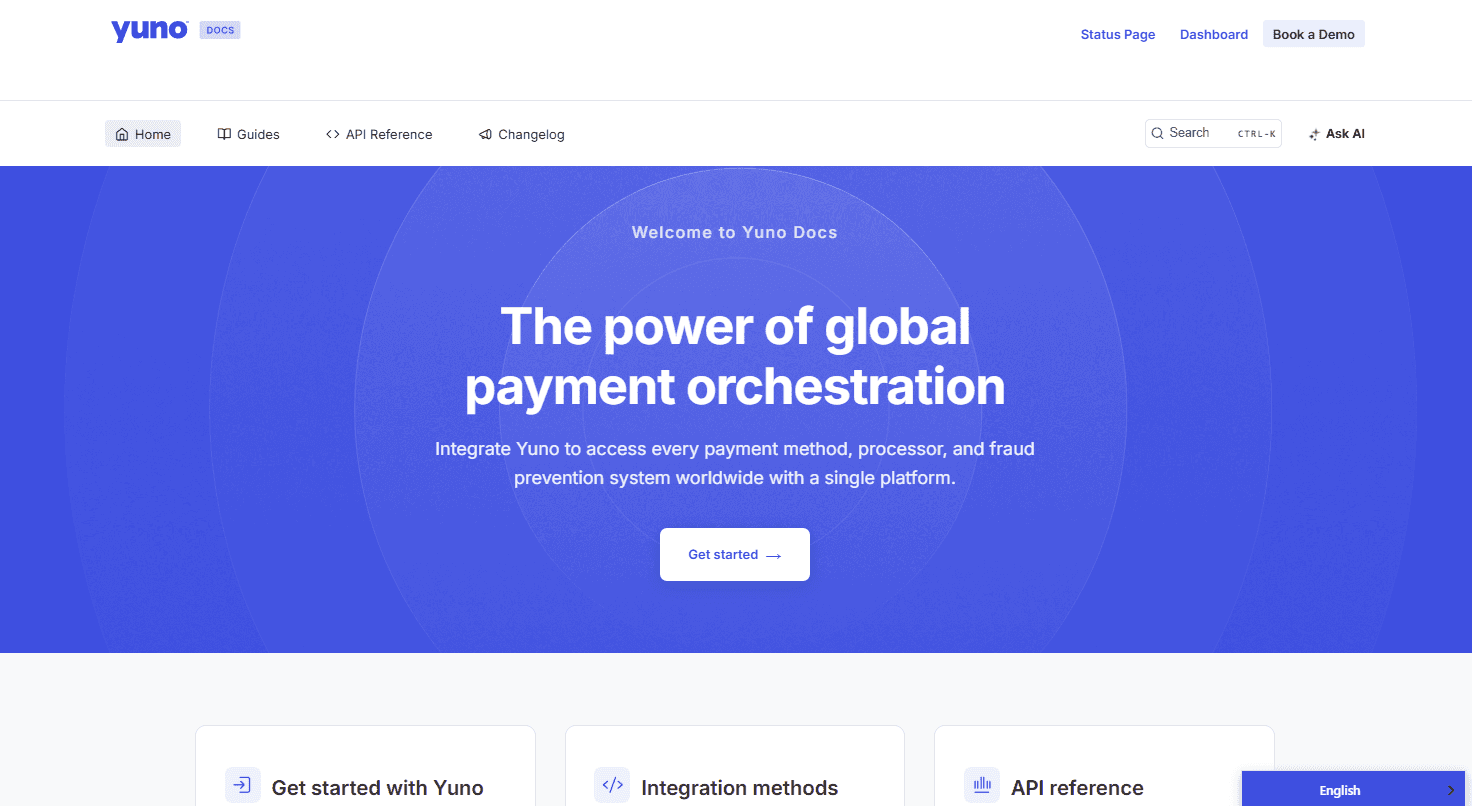
WriteChoice used ReadMe to build Yuno's documentation portal
ReadMe has long been the default choice for teams that want interactive API references without writing custom code.
Their "Try It" interactive API explorer is excellent. They provide decent out-of-the-box analytics to see which endpoints developers are using.
What to consider: ReadMe is expensive at scale. Because they charge per project and per user, scaling startups often find themselves paying thousands of dollars a year just to host. Furthermore, if you want to break out of their standard two-column layout to build a bespoke, a custom onboarding flow, you will quickly hit the limits of their proprietary template.
Gitbook
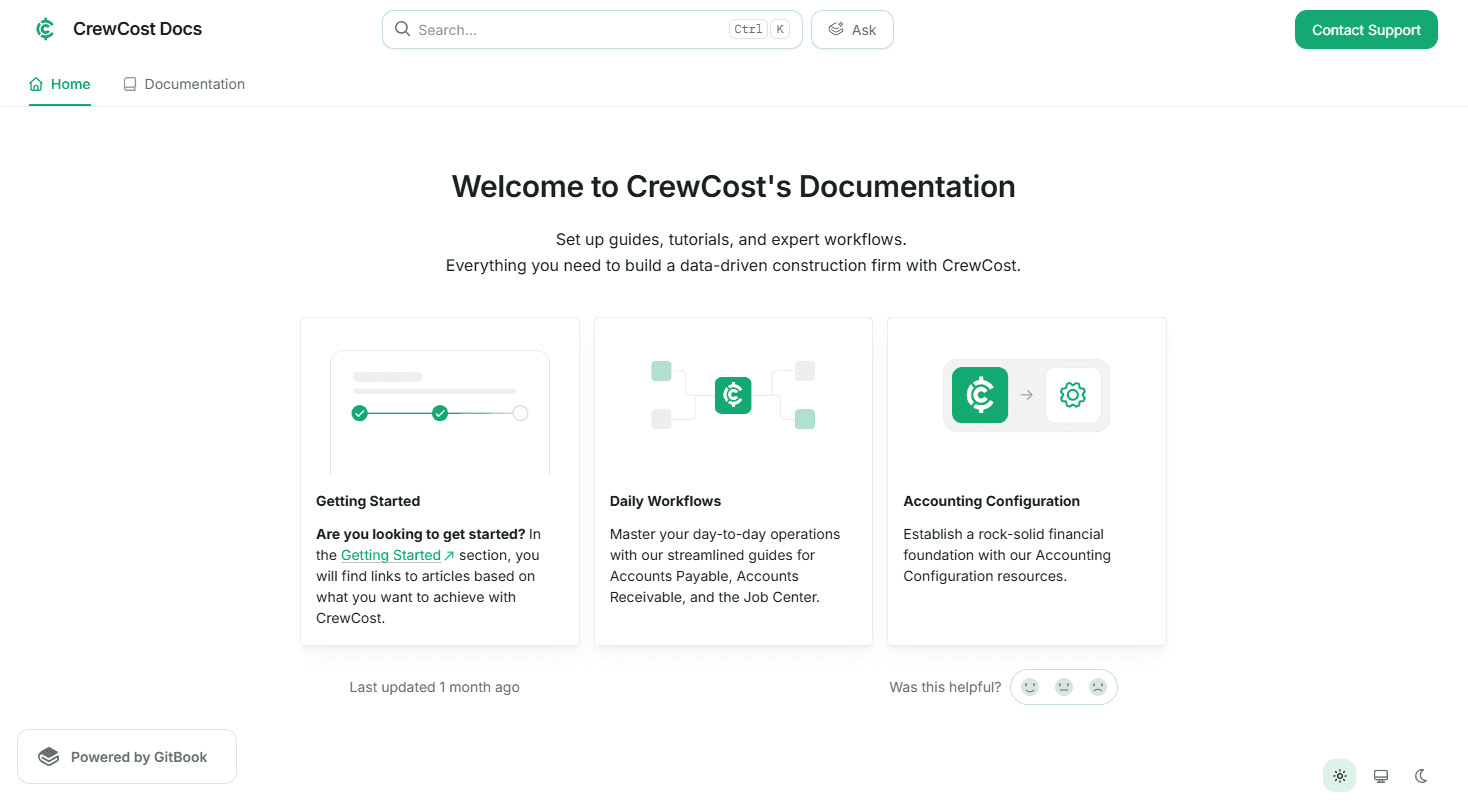
WriteChoice used GitBook to build CrewCost's documentation portal
Originally built as a tool for writing books, GitBook evolved into a massive platform for internal wikis and external knowledge bases. It features a very clean, collaborative editor that is easy for non-technical users like product managers to use. Recently, they have heavily leaned into AI, offering automated llms.txt generation for GEO.
What to consider: Although very AI friendly, Gitbook’s approach to AI is highly automated. Simply toggling a button to auto-generate an llms.txt ignores the strategy to actually engineer your documentation content for AI. As we noted in our recent deep dive on the AI Marketing Funnel.
Mintlify
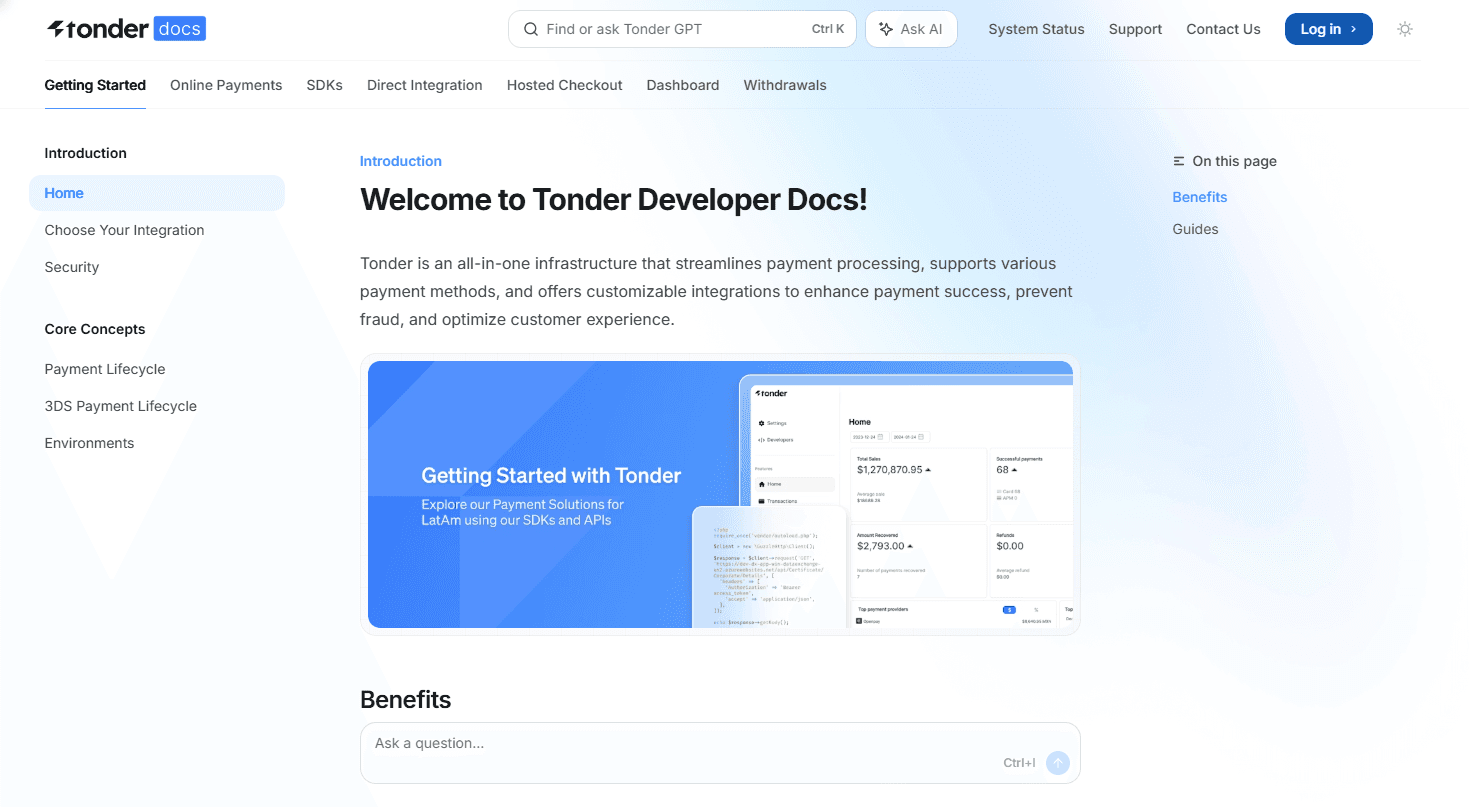
WriteChoice used Mintlify to build Tonder's documentation portal
Mintlify is the newer darling of the SaaS documentation world, explicitly targeting teams that want beautiful docs with zero effort. Mintlify reads your codebase and automatically generates a stunning, modern UI. If you want gorgeous docs live in an hour, priving very hard to beat.
What to consider: Mintlify’s greatest strength is its greatest weakness. Because it handles all the styling for you, you have very little control over the underlying architecture. If your VP of Product says, "Let's build a custom interactive sandbox for our fintech payment gateway," you will likely hit a wall. Like ReadMe, you are locked into their ecosystem and subject to per-seat pricing.
The Verdict on paid tools
If you are a Seed-stage startup with no engineering bandwidth and just need a basic API reference online by tomorrow, use one of these tools. But if you are Series A or beyond, and you view your Developer Experience as a core marketing asset, these platforms are not ideal for your budget and limit your AI visibility.
The open-source category
If SaaS platforms are giving teams limited control, open tools gives your team total control.
In a Docs-as-Code architecture, your documentation is treated exactly like your product’s source code. It lives in a Git repository, goes through pull requests and deploys via CI/CD pipelines.
More importantly, because these frameworks are open-source, you own the asset forever. There is no vendor lock-in, and there are absolutely zero per-seat taxes, this is the only way scaling enterprise companies build their docs to their taste.
Here are the top two open source documentation tools this space in 2026.
Docusaurus
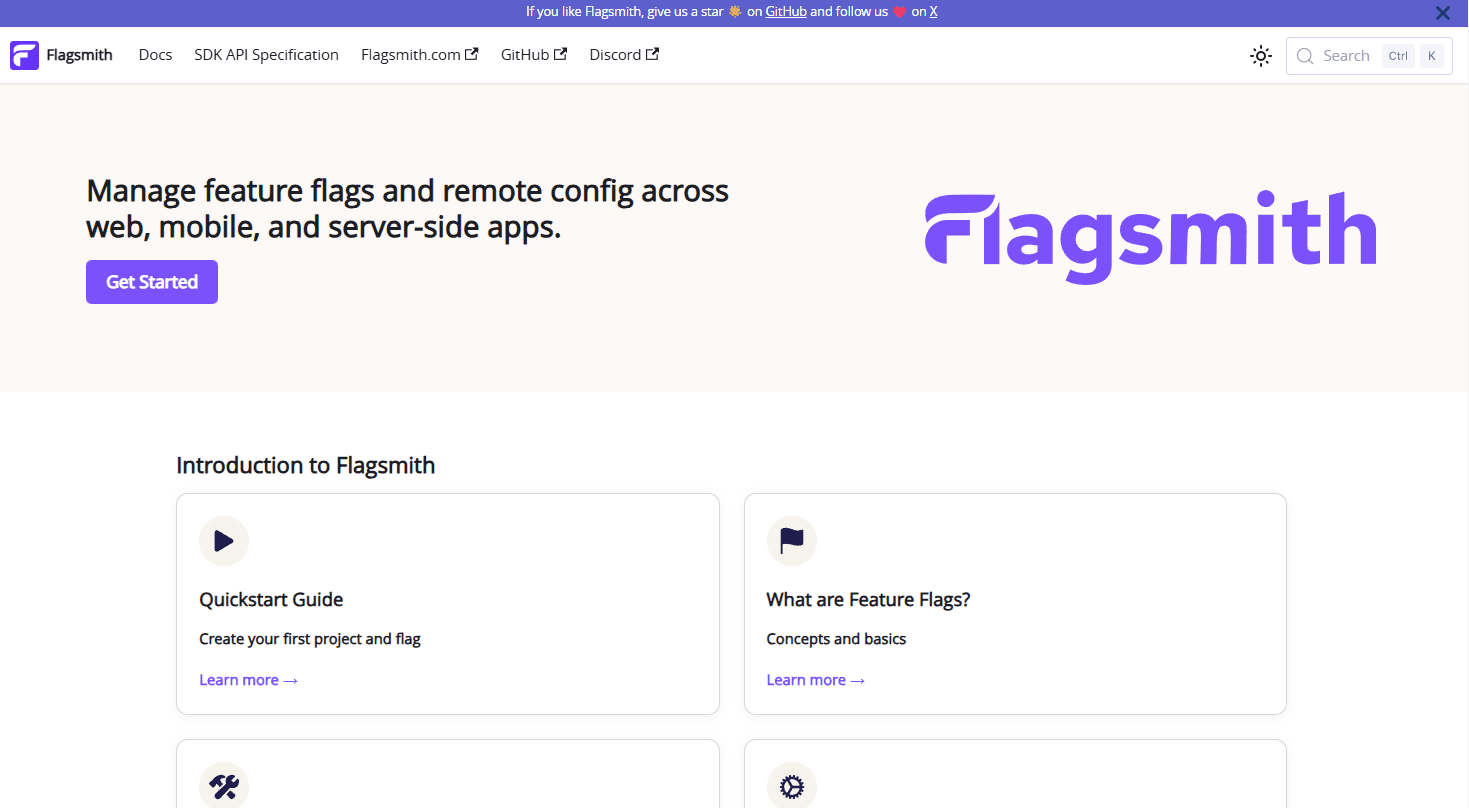
WriteChoice used Docusarus to build Flagsmith's documentation portal
Built and maintained by Meta, Docusaurus has been the heavy-hitter in the open-source documentation space for years. It is built on React, incredibly stable, and powers the documentation for some of the biggest open-source projects in the world. It handles versioning and localization out of the box very well.
What to consider: While Docusaurus is powerful, its default UI can feel a bit dated and "blocky" compared to modern SaaS sites. Customising it heavily to get that sleek, highly interactive feel requires fighting against the framework's native constraints.
Fumadocs / Next.js
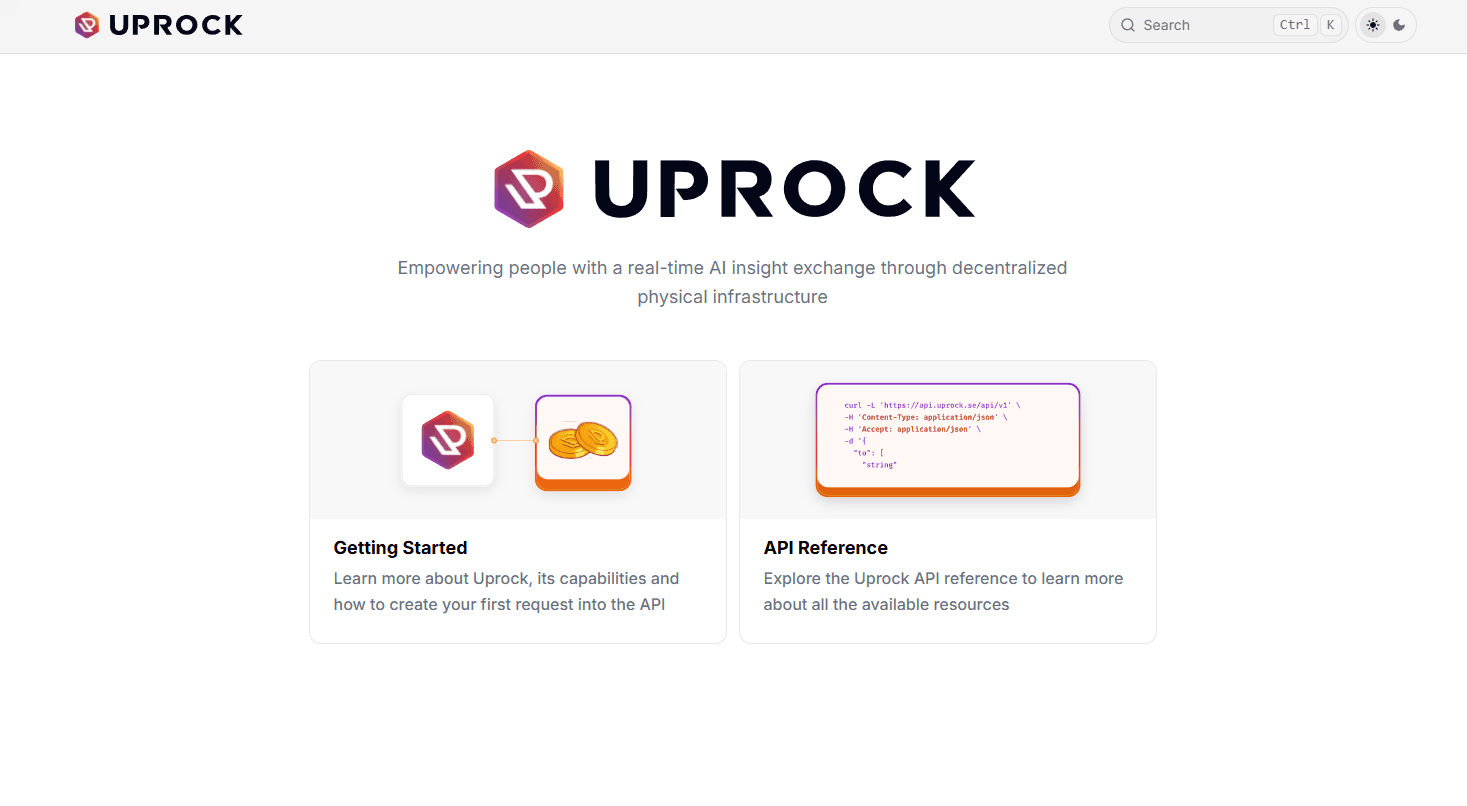
WriteChoice used Fumadocs to build UPROCK's documentation portal
If you are evaluating the best API documentation tools today to build a commercial asset, the combination of Next.js and Fumadocs is the undisputed gold standard.
Fumadocs provides the perfect, modern documentation skeleton, while Next.js provides unmatched performance and server-side rendering. This stack gives you an infinite customisation ceiling. Want a bespoke interactive sandbox? Build it in React. Want dynamic pricing calculators embedded in the docs? Done.
Because you own the codebase, you have absolute control over your GEO. You can programmatically engineer your llms.txt file and manipulate your semantic hierarchy so that AI agents read your "Money Queries" like ROI and Security first.
What to consider: The only downside to a custom Next.js portal is that you have to build it. For a scaling startup, pulling three core engineers off your product roadmap to build and maintain a documentation site for two months can be a massive opportunity cost.
The verdict
If you are a Seed-stage startup with no budget, go use Mintlify or ReadMe. You will pay a premium in seat access later as you scale, but it gets you online today.
But if you are a Series A+ company, a fintech handling complex integrations, or an enterprise looking to win the AI Marketing Funnel, renting is a liability. Your documentation is your 24/7 sales engineer. You cannot afford to limit its design, and you cannot afford to let an AI summarise a rigid, unoptimised template.
The WriteChoice solution
If you know your docs needs a custom Next.js/Fumadocs portal, but you don't want to burn your internal engineering bandwidth to build it. That is where WriteChoice comes in.
We don't sell you a SaaS subscription. We act as your dedicated Developer Experience engineering squad.
Speed: We build, optimise, and launch your custom, Docs-as-Code portal in 6–8 weeks (vs. the 6 months it takes in-house).
GEO Strategy: We implement deep Context Engineering, ensuring your APIs and SDKs are perfectly disambiguated and optimised for AI ingestion.
True Ownership: We hand you the keys to the repository. You own the code forever. Zero vendor lock-in. Zero seat taxes.
Let our team analyse your current documentation stack. We’ll show you exactly how much you are losing and outline a roadmap to your custom portal.

