Mintlify vs. GitBook vs. ReadMe: The 2026 Guide for Startups

Oluwatise Okuwobi
Content Marketing Manager
Most CTOs or company leaders buy a documentation tool thinking it solves their documentation problems. That’s like buying a gym membership and expecting to get fit without working out.
In our audits of over 50 SaaS startups in the last year and 2026, we’ve seen the same pattern repeat; a company purchases a premium subscription to ReadMe or Mintlify, sets up the branding colours, adds a logo, and then… nothing. The portal still sits empty, a common pattern where documentation still exists but is outdated, disorganised, and lacks the context developers actually need.
The result? you end up paying monthly SaaS fees for an empty shell while your developers still struggle to answer basic integration questions.
In this article, we are going to discuss the intricacies of choosing a documentation tool, break down the pros, cons, and everything else you need to consider, and how each tool aids the content of your documentation especially as your startup and company grows and scale before choosing the tool for your documentation portal.
The Contenders: The pros, cons and what to consider.
When evaluating the best developer portal software in 2026, the market is currently dominated by three main player. Each has a specific sweet spot, but they all share a caveat that it is important you consider.
GitBook: The Internal Wiki Champion
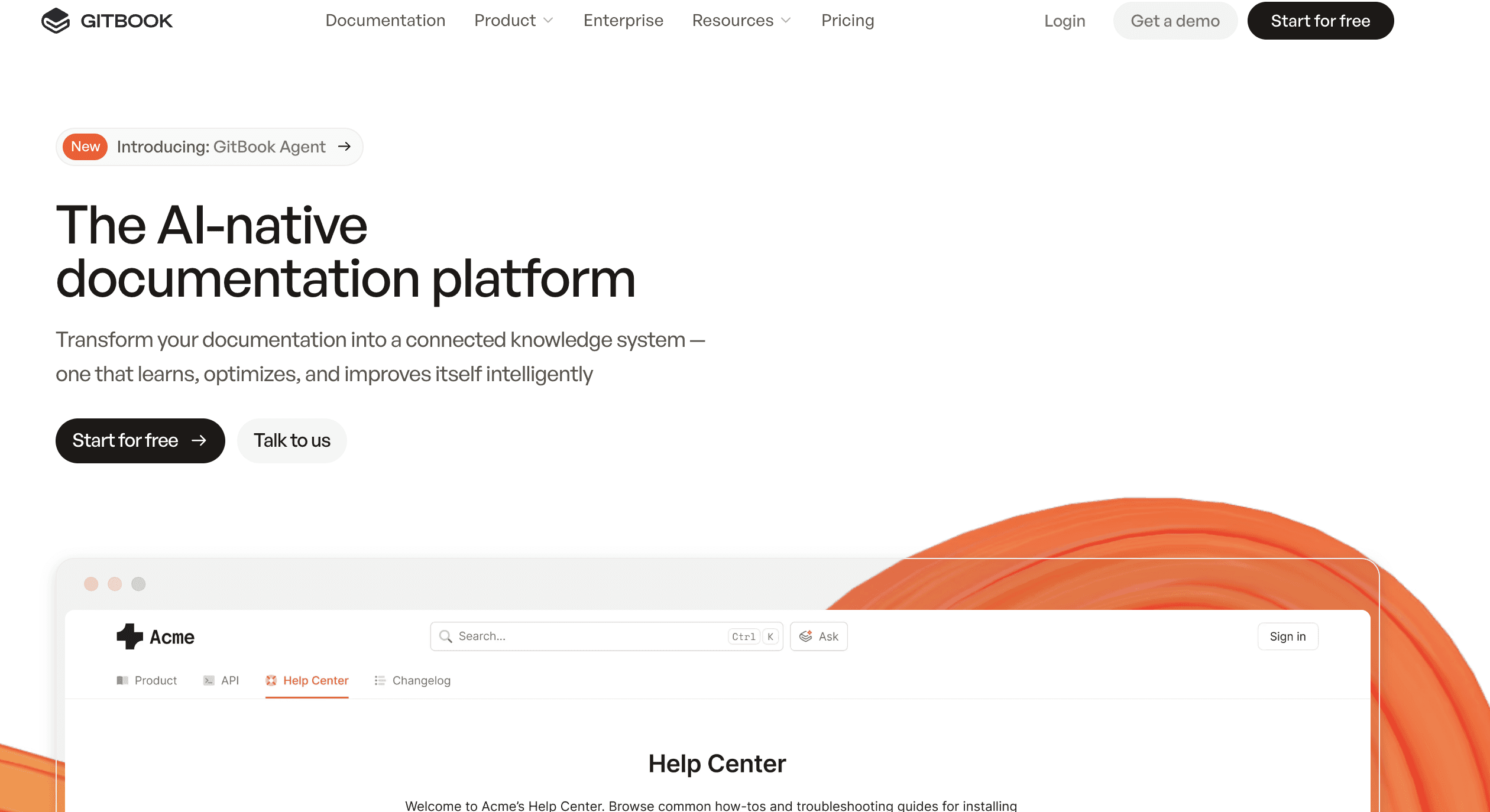
Best for: Non-technical teams, internal knowledge bases, and early-stage startups.
GitBook started as a simple tool for open-source documentation and has evolved into a sleek knowledge management platform. It is undeniably beautiful and easy for non-developers like Product Managers and Customer Support to edit.
The pro: The editor is as intuitive as Notion. It handles “change requests” like pull-requests well for GUI-based tool.
The Con: It struggles heavily with API references. If you have a multi-spec OpenAPI definition, GitBook often chokes on the rendering compared to specialised tools.
What to consider: GitBook pricing has shifted over the years. Features that used to be standard, like removing the “Powered by GitBook’ badge or using a custom domain, are often gated behind higher tier. For a team of 10+ users, bills can quickly spiral to $400+ a month just for seat access.
If that's where you've landed, GitBook alternatives breaks down what to switch to and what each option costs.
ReadMe: The marketing portal
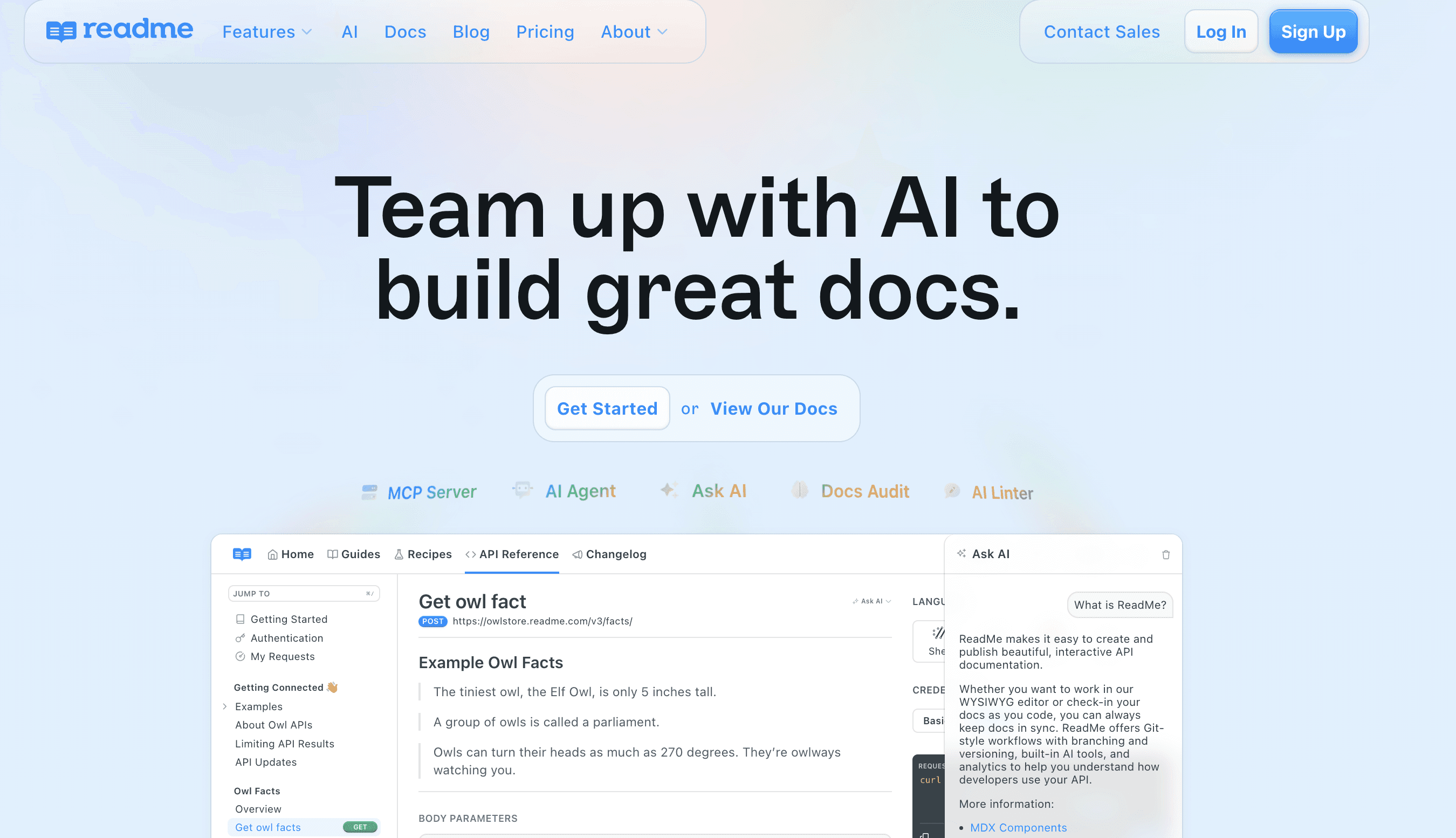
Best for: Enterprise companies where documentation sits under the marketing department.
ReadMe pioneered the interactive API explorer and turned documentation into a full-blown product experience. It looks expensive, and it is expensive.
The pro: It offers the most glossy user experience out of the box and the Suggest Edits feature is great for community engagements.
The Con: ReadMe acts more like a Content Management System (CMS). This is a problem because developers ideally hate logging into a web dashboard to update the docs; they want to write in Markdown within their code editor (VS code0 and push it directly to Git. ReadMe forces a workflow that fights against engineering culture.
What to consider: Vendor Lock-In. Once your content is in ReadMe’s proprietary blocks, migrating out is painful. It’s no longer jut paying for hosting; you are paying for the login privilege and that lack of flexibility can be a nightmare to documentation teams.
Mintlify: The Docs-as-Code Standard (2026 Favourite)
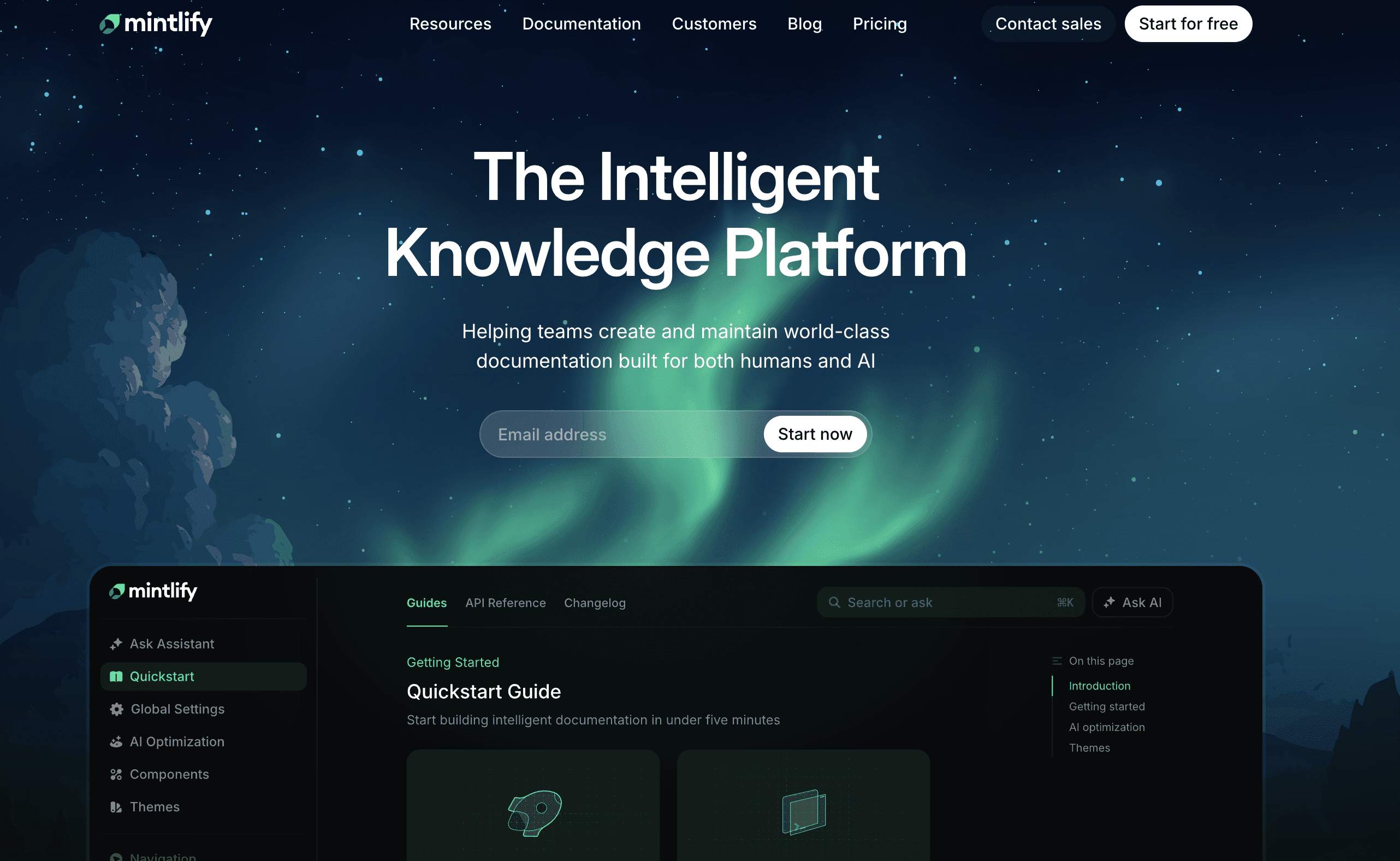
Best for: Modern SaaS startups and developers who want speed.
If teams are looking for Mintlify alternatives, it’s usually because they want more customisation than they allow, although Mintlify has captured the 2026 market by focusing purely on Docs-as-code. You write in MDX (Markdown + React components), push to GtiHub and it deploys.
The pro: It’s incredibly fast. it supports complex React components inside your docs, like interactive API playgrounds, all while feeling native to a developer’s workflow.
The Con: It’s still not a fully custom Sandbox environment or a unique integration wizard, teams are still usually constrained by their templates.
What to consider: While more flexible than ReadMe, you are still paying a premium on markup hosting. As you scale, you are paying for hosted Next.js; something your team could technically own, if there was extra time and resources to build it out.
The custom portal alternative
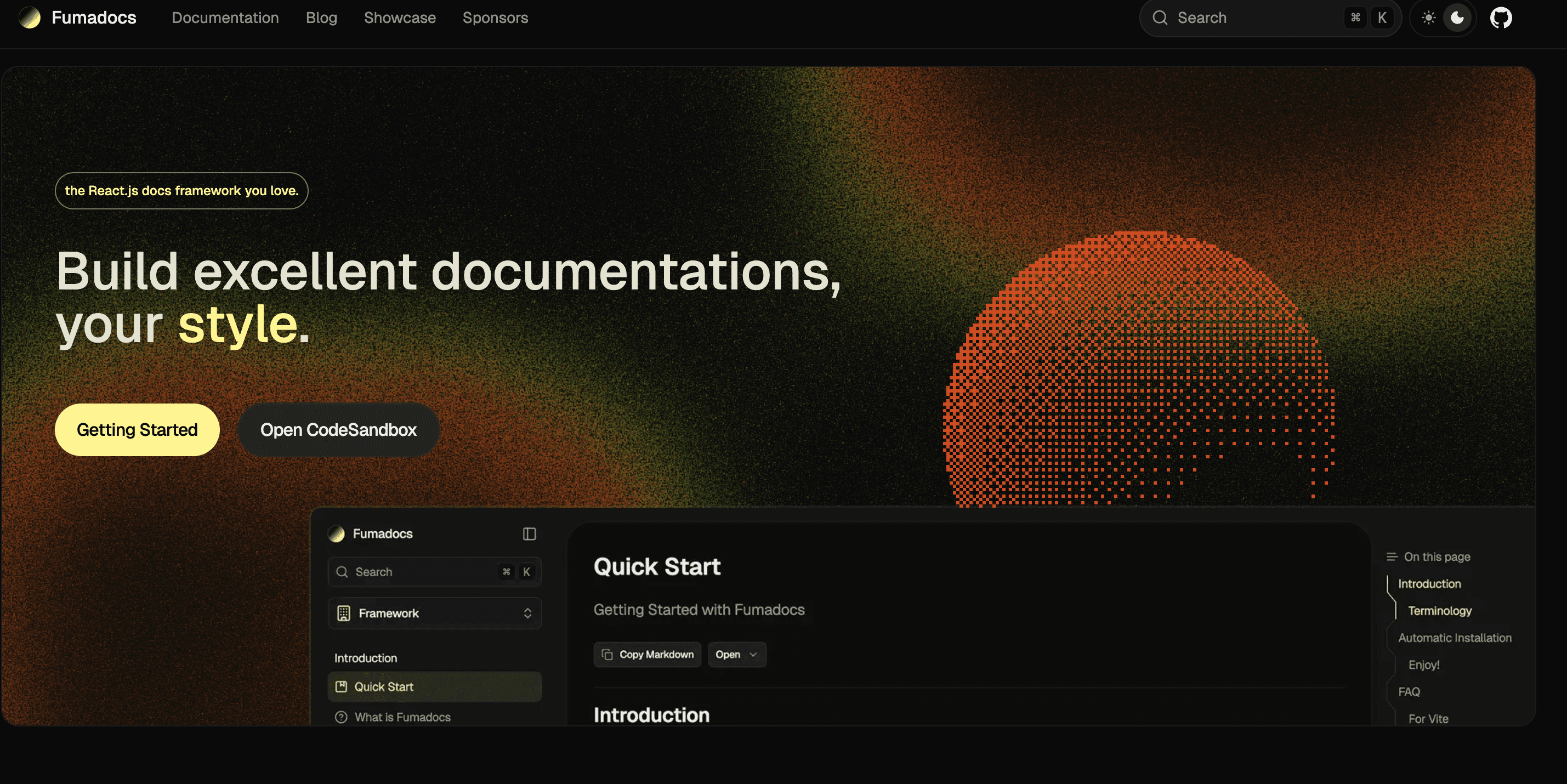
In 2026, the smartest engineering teams are moving away from “Docs-as-SaaS” and towards Docs-as-Asset. Teams are now investing heavily in custom documentation portals, breaking free away from just platforms to more open-source frameworks like Next.js and Fumadocs.
Fumadocs
Teams do not need to reinvent the wheel, it’s about using the modern web standard.
The Engine: Fumadocs is built on Next.js and it gives teams the speed of a static site with the power of a dynamic app.
The Content: MDX (Markdown and React) Modern technical writers familiar with docs-as-code can write your documentation in the same IDE where they write code.
The Design: With Fumadocs UI and Tailwind CSS, you will not be stuck with a template that doesn’t exactly fit the style of your product; giving teams total control over the look and feel.
Why owning documentation beats renting
As you scale with GitBook or ReadMe, success becomes very expensive. As your team grows, your bill grows. Owning a custom portal means you pay for the build once, you own the code, and you can have 5, 10, or 500 contributors. The monthly cost is effectively zero. Just your standard Vercel or Netlify hosting.
SaaS tools also typically break when you need custom or complex features.
Need a live API sandbox that uses your specific authentication flow?
Want to embed a Try it now widget that connects to a user’s real account?
Need to integrate fumadocs OpenAPI to autogenerate pages from your swagger file?
SaaS tools typically say No, but a custom portal allows teams to do so. It’s React code, if you can build it in your app, you can build it in your docs.
Custom portals also allow teams to inject llms.txt and structured data exactly where Google’s AI needs it. We can optimise the semantic structure of your Fumadocs themes to ensure that when a developer asks AI tools a question about your documentation, your docs provide a direct answer.
The WriteChoice difference
In 2026, leading engineering teams are realising that while a tool like ReadMe or GitBook provides a solid interface, it doesn’t solve the underlying problem of missing expertise and bandwidth. If you choose a standard SaaS tool, you are responsible for the writing, the updates, and the long term maintenance. if you stop playing the monthly subscription, your commercial asset disappears.
WriteChoice doesn’t just give you a login to a platform, it provide companies with a complete documentation squad, Technical Writers, UX Designers, and Developers, to launch a professional portal you own in just 6-8 weeks.
Providing teams with a complete custom portal with relevant content, up-to date API references, and knowledge bases all while reducing tickets for client like Harri by 35% and boosted product adoption of 70%. With this option, you eliminate monthly seat taxes, ensuring full ownership, keeping it portable and AI ready.
FAQs
1. Why should I outsource documentation instead of hiring an in-house technical writer?
Hiring an in-house writer can take months to find and even longer to onboard, often costing between $4,000 and $5,000 per month for a junior to mid-level role. Additionally, a single writer often lacks the design and UX expertise needed to build a professional portal. At WriteChoice, we provide a full documentation squad, writers, designers, and developers, to launch a complete, high-performing portal in 6–8 weeks, significantly faster than the 4–6 months an in-house hire typically requires.
2. What is the “Time to First Call”, and why does it matter?
The Time to First Call is the exact point when a developer understands how your product works and how to start using it. Disorganised documentation can delay this realisation, sometimes taking customers up to nine months just to integrate a product. Good documentation accelerates this timeline, directly speeding up your Time to Revenue.
3. Why is a custom portal like Fumadocs better than a SaaS tool
While SaaS tools are quick to start, they are rented assets. You are often restricted to their templates and must pay monthly seat taxes for every team member who needs access. A custom portal built on Fumadocs or other open-source frameworks gives you total ownership of the code and branding. It allows for deeper customisations, like interactive sandboxes, and ensures your documentation is a permanent commercial asset you own forever.
4. My team is small (30-50 people). Do we really need professional docs yet?
This is actually the "sweet spot" for outsourcing. Companies of this size usually don't have enough constant work to justify a full-time in-house writer, but they are often at the stage where they are launching new products and need to scale quickly. Outsourcing allows you to get an enterprise-grade portal published fast without the overhead of a permanent hire.

